
 |
316-264-1600 Information Sales Support Information Sales Support |

|
Applies to versions: 1.8, 1.9, 1.10, 1.11Custom Fields and Custom DataTimeIPS Custom Fields and Custom DataTimeIPS Custom data fields allow storing and using additional data to enhance custom payroll and custom reports. Data can be entered directly or imported/exported. Accessed under Administration -> System -> Custom Data Custom Data Field EntryCustom fields are configured with a "key name" and "value name." Then, you can import or enter data for the actual keys and values you need. The key identifies who/what the data belongs to, while the value is the data itself. 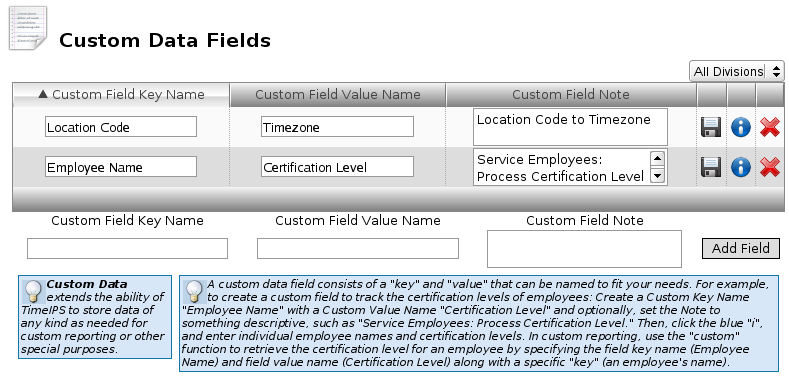 For example, if you need to know certification levels for employees, the key would be an existing unique employee field, such as the employee's full name, badge number, or alternate number. Example Data TableIn this example, we have several employees where we need to be able to find their certification level to determine special pay considerations in the custom payroll export. 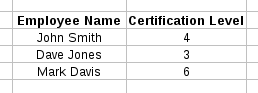 Example Data EntryEnter the data into the table by clicking the blue "i" on the the custom field edit page, then at the bottom of the page, add individual data records 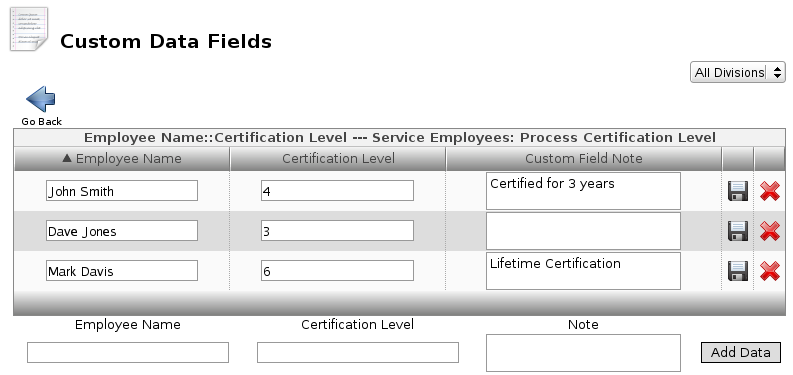 |